Best Birding Apps: Merlin, eBird, Audubon and What Each Is For
This article may contain affiliate links. If you make a purchase through these links, we may earn a small commission at no extra cost to you. This helps us keep creating free content.

Merlin Bird ID, the free app from the Cornell Lab of Ornithology, can name a singing bird in real time, suggest a species from a photo, or narrow the options after five simple questions. eBird, run by the same lab since 2002, turns your sightings into checklists that scientists use. Together with the Audubon Bird Guide, BirdNET and iNaturalist, these apps cover almost everything a beginner needs, and each does a different job.
What a Phone Can and Cannot Do in the Field
A phone in the pocket is now a sound recorder, a camera, a map and a library of bird songs. That makes it the most useful birding tool after a binocular. It also has limits: batteries drain in the cold, microphones pick up traffic and wind, and every identification suggestion is a probability, not a verdict.
The best way to think about birding apps is as a set of specialists. One listens, one keeps your records, one gives you species accounts, and one asks a community of people. Knowing which job each app does keeps you from expecting the wrong thing from it.

Merlin Bird ID: Five Questions to an Answer
Merlin launched in 2014 with a simple idea: ask a beginner what any birder would ask. The Step-by-Step tool wants five answers: where you saw the bird, the date, its size, its main colors, and what it was doing. Merlin then lists the likeliest species for that place and season, using eBird records to rank them.
That approach works surprisingly well for common backyard birds, and it teaches good habits, because size and behavior are exactly the clues a field guide asks you to notice first. Each species page includes photos, sounds, range maps and short identification notes.
Source: Cornell Lab of Ornithology, Merlin Bird ID app pages.

Sound ID Is Good, and Sometimes Wrong
Sound ID, added to Merlin in 2021, listens through the phone microphone and highlights species names as birds sing. On a spring morning it can pick out several singers at once, which is a big help for anyone learning songs.
The belief that Sound ID is always right causes problems, though. The Cornell Lab itself describes the suggestions as a starting point to confirm. Common sources of error:
- Mimics: Northern Mockingbirds copy other species, and Blue Jays imitate Red-shouldered Hawk calls closely.
- Noise: wind, traffic, running water and talking companions blur the recording.
- Distance: faint calls produce weak, uncertain matches.
- Rarities: an unusual species out of range may be missed or replaced with a common one.
Treat a Sound ID result like a tip from a friend: look for the bird, listen again, and confirm the song in the species page or a field guide before you add it to a list.
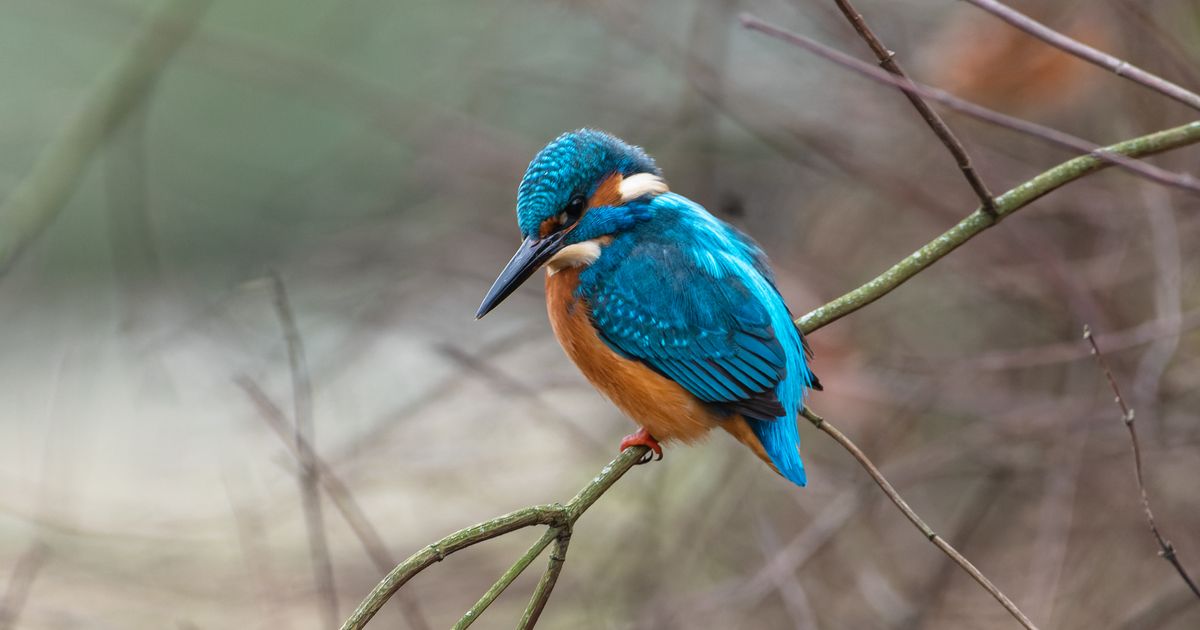
Photo ID and Offline Bird Packs
Photo ID works with a picture from your phone or camera. Crop the image so the bird fills most of the frame and Merlin suggests matches. Blurry, backlit or distant shots reduce accuracy, the same as they would for a human expert.
The feature that matters most for walks is the Bird Pack. Each pack holds the species, photos, sounds and identification data for one region, and once downloaded it lets Step-by-Step, Photo ID and Sound ID run without a cell signal. Packs take storage space, so download them over Wi-Fi at home and keep only the regions you use.
eBird: Checklists That Turn Into Science
eBird was launched in 2002 by the Cornell Lab of Ornithology and the National Audubon Society. You record where you birded, how long, and every species you identified, and the app saves it as a checklist. Complete checklists, where you report everything you could identify, are especially valuable because they show which birds were absent as well as present.
In return you get maps of recent sightings, hotspot pages with bar charts showing when each species occurs, and your own life list. Researchers use the combined data for population and range studies, so a weekend list from your backyard adds to the picture of how birds are doing. Our guide on winter finch irruptions shows how eBird reports reveal where finch flocks are moving each year.
Source: Cornell Lab of Ornithology, eBird "About eBird" pages.
The Audubon Bird Guide App
The National Audubon Society publishes a free field guide app covering the birds of North America. Each species account includes photos, range maps, songs and calls, and written descriptions, and the app lets you keep a list of your sightings. It works well as a portable reference to look up a bird you already have a name for.
Audubon's app does not try to compete with Merlin's sound recognition. Its strength is the reading: habitat, behavior and conservation notes that help you understand a species beyond its field marks.
BirdNET as a Second Opinion
BirdNET, developed by the Cornell Lab and Chemnitz University of Technology in Germany, focuses on sound. You record a clip, select the part with the song, and the app suggests a species with a confidence score. It can also analyze recordings you made earlier.
BirdNET is most useful when Merlin gives an uncertain result or two suggestions for one song. If both apps agree and the bird matches what you see, you can be more confident. If they disagree, that is your signal to find the bird with the binocular.
iNaturalist and Seek for Everything Else
iNaturalist lets you upload a photo of any organism and receive identification help from a community of naturalists. An automated suggestion appears first, and other users can confirm or correct it. That process is slower than Merlin, but it is valuable for odd plumages or a photo you cannot place.
Seek, the companion app, uses the camera to identify plants, insects and fungi as well as birds, without requiring an account. It is handy on family walks; our article on birding with children has ideas for using it with kids.
Free or Paid: What You Actually Pay For
Merlin, eBird, the Audubon Bird Guide, BirdNET, iNaturalist and Seek are all free downloads. The most common paid option is the Sibley Birds app, a digital version of David Sibley's paintings and text with song recordings. People pay for it because they want Sibley's illustrations on the phone; the free apps lean on photographs.
For a beginner, the free set covers identification, record keeping and community help. Spending money makes more sense on a decent binocular or a printed field guide than on a second identification app.
Location Data and Privacy
Merlin and eBird ask for location access because ranges and seasons drive their suggestions. You can deny automatic location and type a place by hand instead; the results stay useful as long as the place is correct.
eBird checklists are shared publicly by default, including the location. eBird hides exact locations for certain sensitive species, such as some owls, to protect them from disturbance. If you report a nest or roost, use a general location such as a park name, and read the birding ethics guide before sharing sites of vulnerable birds.
Source: eBird Help Center, sensitive species policy.
Which App for Which Situation
| Situation | First choice | Backup |
|---|---|---|
| Hearing a bird you cannot see | Merlin Sound ID | BirdNET recording |
| A clear photo of an unknown bird | Merlin Photo ID | iNaturalist community |
| A quick look, no photo | Merlin Step-by-Step | Printed field guide |
| Reading about a species | Audubon Bird Guide | Field guide text |
| Planning where to go | eBird hotspots | Migration Tracker |
| Keeping your list | eBird checklist | Paper notebook |
Combining Apps With a Printed Guide
Apps suggest; a field guide helps you decide. A printed book shows similar species on one spread, which makes it easier to see why a bird is a Cooper's Hawk and not a Sharp-shinned Hawk. The Sibley Guide to Birds (on Amazon, affiliate link) is a common companion to Merlin because its paintings show several plumages and flight views for most species.
The Sibley Guide to Birds
Comprehensive North American field guide for identifying birds.
As an Amazon Associate we earn from qualifying purchases.
A simple routine works for most birders:
- Watch the bird first, for as long as it stays, before reaching for the phone.
- Note size, shape, two or three field marks and behavior.
- Run Merlin, then open the suggested species in the field guide.
- Compare the neighbors on the same page and check the range map.
- Log only what you are confident about in eBird; leave the rest as "unknown."
Field guide choices are covered in detail in our field guide comparison.
A Two-App Kit to Start With
Start with Merlin and eBird, download one Bird Pack, and use them on every walk for a month. Add BirdNET when you want a second opinion on songs, and iNaturalist when a photo stumps you. Keep a printed guide in the car or daypack, and let the apps send you to it rather than replace it. Within a season, you will find yourself naming the regulars before the phone does. To check your progress, try the Bird Identifier Quiz.
Published by the Birdwatching Advice editorial team. Published April 2, 2026. Updated November 14, 2026.
Editorial responsibility: see Imprint.
Spotted an error or have something to add? corrections@birdwatchingadvice.com
Spot More Birds
Weekly birding tips, migration alerts, and identification guides straight to your inbox.
🎁 Free bonus: Backyard Birding Checklist (PDF)
You might also like

Citizen Science Birding Projects You Can Join Today
Learn about citizen, science, birding, ebird in this comprehensive listicle.

How to Keep a Birding Journal That Actually Helps
Learn about birding, journal, field, notes in this comprehensive how-to.

Spotting Scope vs Binoculars: Which Do You Need?
Learn about spotting, scope, binoculars, comparison in this comprehensive comparison.
Explore more
All articles on Birdwatching Advice →